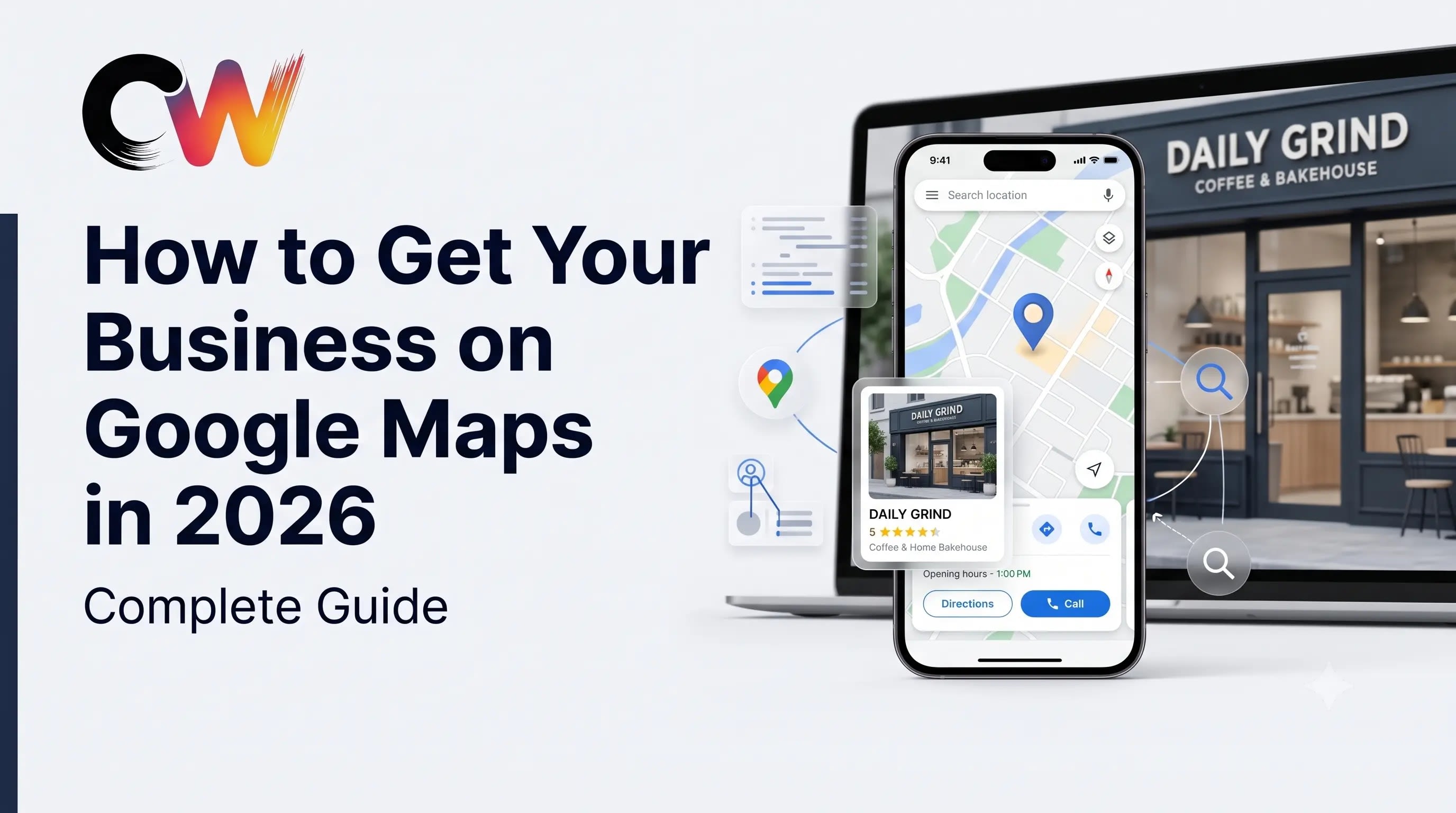
Want your business to appear on Google Maps? For local businesses, being discoverable when customers search for a service, product, or business nearby can be an important part of building an online presence. Google Business Profile helps businesses manage how their information appears across Google Search and Google Maps.
However, simply creating a profile is not the whole process. Businesses also need accurate information, a useful website, relevant local content, genuine customer reviews, and consistent business details across the web.
In this complete 2026 guide, we explain how to get your business on Google Maps, how to optimize your Google Business Profile, how local SEO works, common mistakes to avoid, and how your website can support your local search presence.
What Is Google Business Profile?
Google Business Profile is a free Google product that allows eligible businesses to manage information about their business on Google. Depending on the business and search, customers may find information such as the business name, address, phone number, website, hours, photos, reviews, and other details.
A complete and accurate profile makes it easier for potential customers to understand what your business offers and how they can contact or visit you.
How to Get Your Business on Google Maps
If you want your business to appear on Google Maps, start by creating or claiming your Google Business Profile and completing the available business information.
Step 1: Find or Create Your Business Profile
Search for your business name on Google or use Google's Business Profile tools to find an existing listing. If a profile already exists, follow the appropriate process to claim or manage it. If there is no listing, create a new Business Profile for your eligible business.
Step 2: Use Your Real Business Name
Enter the actual name of your business rather than filling the business name with extra keywords or locations. Your business name should accurately represent the business customers know.
Step 3: Choose the Right Business Category
Select the category that best describes your main business activity. The category helps Google understand what type of business you operate and can influence which searches your profile is relevant to.
Step 4: Add Your Business Location or Service Area
If customers visit your physical location, provide the appropriate address. If your business serves customers at their locations and does not operate from a customer-facing storefront, use the appropriate service-area configuration.
Step 5: Add Your Phone Number and Website
Use a real business phone number and add your official website. Your website should clearly communicate your business name, services, contact information, and locations served.
Step 6: Verify Your Business
Follow the verification method provided by Google for your business. Verification helps establish that you are authorized to manage the business profile.
Step 7: Add Business Hours
Keep your opening hours accurate and update them when your schedule changes. If your business has special hours for holidays or events, review the available options in your Business Profile.
Step 8: Add High-Quality Business Photos
Upload genuine photographs that represent your business. Depending on the type of business, useful images can include your storefront, office, team, products, services, work environment, or completed projects.
How Does Google Maps Local Ranking Work?
Getting listed on Google Maps and ranking prominently for every local search are two different things. Google explains that local results are mainly based on relevance, distance, and prominence.
1. Relevance
Relevance describes how closely a Business Profile matches what a person is searching for. Complete and detailed business information can help Google better understand the business and match it with relevant searches.
2. Distance
Distance refers to how far a business is from the person searching or from the location included in the search. Because local searches are location-sensitive, the same business can appear differently for people searching from different places.
3. Prominence
Prominence relates to how well-known a business is. Google explains that information from across the web, including links and reviews, can contribute to how prominent a business is considered in local search.
There is no legitimate method to pay Google for a better organic local ranking. Local visibility depends on Google's systems and the information available about the business.
How to Optimize Your Google Business Profile
Creating a profile is only the beginning. A stronger local presence starts with maintaining accurate and useful business information.
Keep Your Business Information Complete
Review your business name, category, address, phone number, website, hours, services, and other available fields. Correct outdated information whenever something changes.
Write a Clear Business Description
Explain what your business does, which customers you serve, and the products or services you provide. Write for humans first instead of repeating the same keyword unnaturally.
Use Relevant Services and Products
If the profile provides appropriate fields for your business type, add relevant services or products. Describe them clearly and accurately so potential customers understand what you offer.
Add Real Photos Regularly
Use authentic images rather than generic stock photography whenever possible. Images should accurately represent your business, products, services, team, or location.
Monitor Customer Reviews
Encourage genuine customers to leave honest reviews and respond professionally to reviews you receive. Avoid purchasing fake reviews, creating fake reviews, or manipulating customer feedback.
Why Reviews Matter for Local Businesses
Reviews can help potential customers understand the experiences of previous customers. Google also states that review information can contribute to prominence in local search.
The goal should not be to collect artificial reviews. Instead, build a process where satisfied customers can easily leave honest feedback after receiving your product or service.
A Simple Review Process
- Deliver a good customer experience.
- Ask genuine customers for honest feedback.
- Make the review process easy to understand.
- Respond professionally to reviews.
- Use negative feedback as an opportunity to identify service issues.
Does Your Website Help Your Google Maps Presence?
A Google Business Profile does not replace a professional business website. Your website gives customers a place to learn more about your company, services, products, locations, team, and contact options.
Google also uses publicly available information from the web, including information from official business websites, when compiling local information. Keeping your website and Business Profile consistent can therefore help create a clearer online presence for your business.
Important Website Elements for Local Businesses
- Clear business name and contact information
- Accurate location or service-area information
- Dedicated service pages
- Mobile-friendly design
- Fast-loading pages
- HTTPS security
- Useful local content
- Clear calls to action
- Consistent business information
- Search-friendly page titles and descriptions
Google Maps SEO and Local SEO Are Connected
Google Maps SEO should not be treated as a single trick or shortcut. Local visibility is built from multiple parts of your digital presence.
A useful local SEO strategy can connect your Google Business Profile, website, service pages, customer reviews, local content, business information, and legitimate mentions across the web.
For example, a local business in Salem could build dedicated website pages for its major services, maintain an accurate Google Business Profile, publish genuinely useful local content, and make sure its contact information is consistent across important business directories and platforms.
Local SEO Example for a Salem Business
Imagine a web development company serving Salem businesses.
Instead of creating dozens of pages that repeat the same keywords, the company could create useful pages explaining its actual services, such as business websites, e-commerce development, custom software, SEO, and digital solutions.
The company could then maintain accurate business information, publish helpful articles, collect genuine customer feedback, and connect relevant blog posts with appropriate service pages.
The objective is to create a useful digital presence for real customers rather than producing pages solely for search engines.
Google Maps vs Google Search vs Your Website
| Platform | Purpose |
|---|---|
| Google Maps | Helps people discover businesses and places based on local searches. |
| Google Business Profile | Helps businesses manage information that can appear on Google. |
| Google Search | Helps people discover information, businesses, services, products, and websites. |
| Business Website | Provides detailed information about your company, services, products, and contact options. |
| Social Media | Helps businesses communicate with audiences and build awareness. |
10 Common Google Maps Mistakes to Avoid
1. Using an Incorrect Business Name
Use the real-world business name instead of adding unnecessary keywords.
2. Choosing an Unrelated Category
Select the category that accurately describes the primary business activity.
3. Leaving Important Information Incomplete
Review your profile and complete the fields that apply to your business.
4. Using Outdated Contact Information
Make sure phone numbers, websites, addresses, and hours remain accurate.
5. Ignoring Customer Reviews
Monitor reviews and respond professionally where appropriate.
6. Using Fake Reviews
Do not buy, manufacture, or manipulate reviews.
7. Keyword Stuffing
Repeating location and service keywords unnaturally can make content harder for customers to read.
8. Ignoring Your Website
Your website should provide useful information that supports your overall digital presence.
9. Creating Thin Location Pages
Do not create large numbers of near-identical city pages with little useful information. Create location content only when it provides genuine value.
10. Expecting Instant Results
Local visibility can take time to develop, and search results can change based on the searcher's location, query, competition, and other factors.
How Long Does It Take for a Business to Appear on Google?
There is no universal timeline that guarantees when a business will appear prominently for a particular search. Verification, profile completeness, search relevance, location, competition, and Google's processing systems can all affect visibility.
Google notes that new businesses can take time to appear in search results and that changes to business information can also take time to be reflected.
Instead of expecting an immediate ranking change, focus on keeping the profile accurate and building a useful online presence over time.
Local SEO Checklist for 2026
- Verify your Google Business Profile.
- Use the correct business name.
- Select an accurate primary category.
- Complete the relevant business information.
- Keep your address or service area accurate.
- Keep phone numbers and website links updated.
- Maintain accurate opening hours.
- Add genuine business photos.
- Encourage honest customer reviews.
- Respond professionally to reviews.
- Build useful service pages on your website.
- Publish helpful local content.
- Keep business information consistent across important online sources.
- Improve mobile usability and page speed.
- Monitor your Search Console and analytics data.
What About AI Search in 2026?
Search is continuing to evolve, including experiences that use artificial intelligence to help users discover and understand information. That does not mean traditional SEO has disappeared.
For local businesses, the fundamentals still matter: accurate business information, useful content, accessible websites, clear service information, and a trustworthy digital presence.
Businesses should therefore avoid chasing short-term AI SEO tricks and instead build content that genuinely answers customer questions.
Can a Website Guarantee Better Google Maps Rankings?
No. A website cannot guarantee a better Google Maps position.
A website can support a business's overall online presence by providing useful information about its services, location, expertise, and contact details. Google can also use publicly available website information when compiling local business information.
However, local rankings are determined by Google's systems and can vary according to factors such as relevance, distance, and prominence.
Frequently Asked Questions
How do I get my business on Google Maps?
Create or claim an eligible Google Business Profile, provide accurate business information, complete the available fields, and follow Google's verification process. Once processed, your business information may appear across Google Search and Google Maps.
Is Google Business Profile free?
Google Business Profile is a free Google product for eligible businesses. Paid advertising through Google Ads is separate from the organic local listing.
Why is my business not showing on Google Maps?
Possible reasons include incomplete information, verification issues, eligibility or guideline problems, processing time, search relevance, location, or competition. Check the profile status and make sure the information is accurate and complete.
How can I improve my Google Maps visibility?
Maintain an accurate and complete Business Profile, use the correct category, keep business information updated, add genuine photos, build legitimate customer reviews, and maintain a useful website and local SEO presence.
Do reviews improve Google Maps ranking?
Google states that review information can contribute to prominence in local search. Businesses should focus on genuine customer feedback rather than attempting to manipulate reviews.
Does adding keywords to my business name improve ranking?
Do not add unnecessary keywords to your real business name simply to influence rankings. Use the actual business name and provide relevant information through the appropriate profile fields and website content.
Does a website help local SEO?
A useful website can support a business's overall local presence by providing detailed information about its services, location, contact details, and expertise. It does not guarantee a particular Google Maps ranking.
Can I pay Google to rank higher on Google Maps?
Google states that there is no way to request or pay for a better organic local ranking. Paid advertising is a separate system from organic local results.
Final Thoughts
Getting your business on Google Maps is only the first step. The bigger opportunity is building a complete and trustworthy digital presence that helps customers discover, understand, and contact your business.
Start with an accurate Google Business Profile. Keep your business information updated. Add genuine photos. Encourage honest reviews. Build useful service pages. Publish helpful local content. Make sure your website works well on mobile devices and provides clear information.
For businesses in Salem and across Tamil Nadu, local SEO can become an important part of a broader digital marketing strategy when it is based on useful content and accurate business information rather than shortcuts.
Need a professional website, SEO strategy, e-commerce platform, or custom digital solution for your business?